
Short answer: yes, with one caveat. Trust Wallet is a legitimate, non-custodial wallet that's safe to use in 2026. In December 2025, though, a tampered version of its browser extension drained millions from users, and you should understand that incident before you decide. The mobile app wasn't affected, Trust Wallet committed to reimbursing victims, and nobody has broken its core key system. As with any self-custody wallet, your biggest everyday risks are losing your own recovery phrase and being tricked into handing it over.
This review covers how Trust Wallet protects your crypto, what happened in December 2025, which risks are real and which are overblown, and what to do if you're locked out or think you've been scammed.
We recover crypto wallets for a living, so we see where people lose money in practice.
What is Trust Wallet?
Trust Wallet is a non-custodial software wallet founded in 2017. Binance bought it in 2018. Non-custodial is the key detail: Trust Wallet doesn't hold your funds, your keys, or your recovery phrase. You do, and Binance's ownership doesn't change that.
It runs as a mobile app for iOS and Android and as a Chrome browser extension. It supports Bitcoin, Ethereum, Solana, BNB Smart Chain, Polygon, TRON, and more than 100 other networks, plus NFTs. That range is a big part of its appeal.
How Trust Wallet protects your crypto
Your keys stay on your device. Trust Wallet's privacy notice says your wallet information stays on your device, under your custody, and that the company can't see or store your recovery phrase or private keys. So Trust Wallet can't move your funds, and it also can't recover your wallet or reset your password.
PIN and biometrics. On mobile, you unlock the wallet with a PIN or biometric login before you can view your recovery phrase. Trust Wallet says your device processes biometric data locally and never sends it to Trust Wallet's servers.
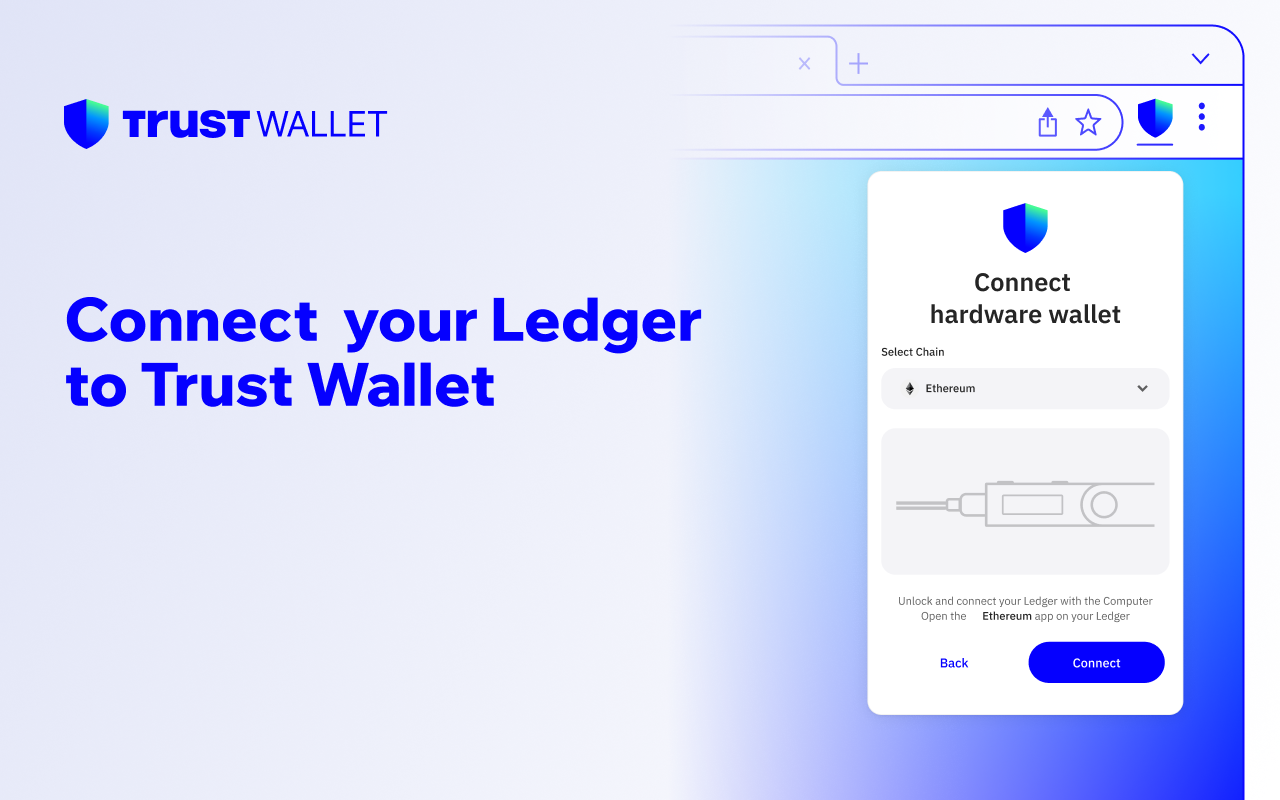
Hardware wallet support. The browser extension can connect to a hardware wallet. For meaningful balances, we recommend one, because it keeps your keys off the internet entirely.
Open-source core and audits. Trust Wallet's cryptographic engine, Wallet Core, is open source on GitHub, so outside researchers can inspect it. The company describes the product as "Independently Audited" and "ISO Certified." A public Kudelski Security code review from September 2023, covering Wallet Core components, reported only low-severity and informational findings. Wallet Core is open source, but Trust Wallet hasn't publicly documented the source status of the full app and extension, so you can't call the whole product open source.
Has Trust Wallet ever been hacked?
Nobody has breached Trust Wallet's core key system or the blockchains it uses. In December 2025, though, Trust Wallet users lost real money.
The December 2025 browser-extension incident. Around December 24, 2025, someone published a malicious build of the Trust Wallet browser extension (version 2.68) to the Chrome Web Store outside Trust Wallet's normal release process. It was a supply-chain attack. The tampered code went through every wallet stored in the extension, used the password each user typed to unlock it to decrypt their recovery phrase, and sent the phrases to a server the attackers controlled. Between about December 24 and 26, attackers drained about $8.5 million from 2,520 wallet addresses, according to Trust Wallet's latest update. Trust Wallet published a security notice on December 29, 2025 and committed to reimbursing affected users through a claims process.
Keep two facts straight:
- Only the browser extension was hit. Mobile-app users and users on other extension versions were unaffected. The attackers compromised the extension's release, not the blockchain or Trust Wallet's core cryptography.
- Users lost real money, and Trust Wallet took responsibility. The company responded with a public notice and a commitment to reimburse victims.
What should you take from it? Browser extensions carry more risk than mobile apps, and you should install and update wallet software only from official sources. If you hold a large balance, the mobile app or a connected hardware wallet is the more conservative choice.
Your biggest risk is losing your own access
People who lose crypto with Trust Wallet usually lose it one of two ordinary ways.
The first is losing their own access. They forget the wallet's password or PIN without ever backing up the 12-word recovery phrase, wipe a phone, or store the phrase somewhere they can't reach. Self-custody has no password-reset email. If the phrase and the device are both gone, Trust Wallet can't help, and its own support pages say so.
The second is giving access away to a scammer, which we cover next.
If you still have something to work from (an encrypted Trust Wallet vault or keystore file, a device with the app installed, or an encrypted cloud backup) and you're locked out because you forgot the password, you may still have a way back. Crypto Asset Recovery uses secure, offline password cracking to recover access to encrypted Trust Wallet backups when the right file exists. We work from the encrypted file and your best password guesses. You only pay if we succeed.
Trust Wallet's recovery files differ by platform, so start by telling us exactly what you still have. If you've lost the 12-word phrase, or you have a partial or scrambled phrase, read our Trust Wallet recovery phrase guide and our post on a missing word in a seed phrase.
Trust Wallet scams to watch for
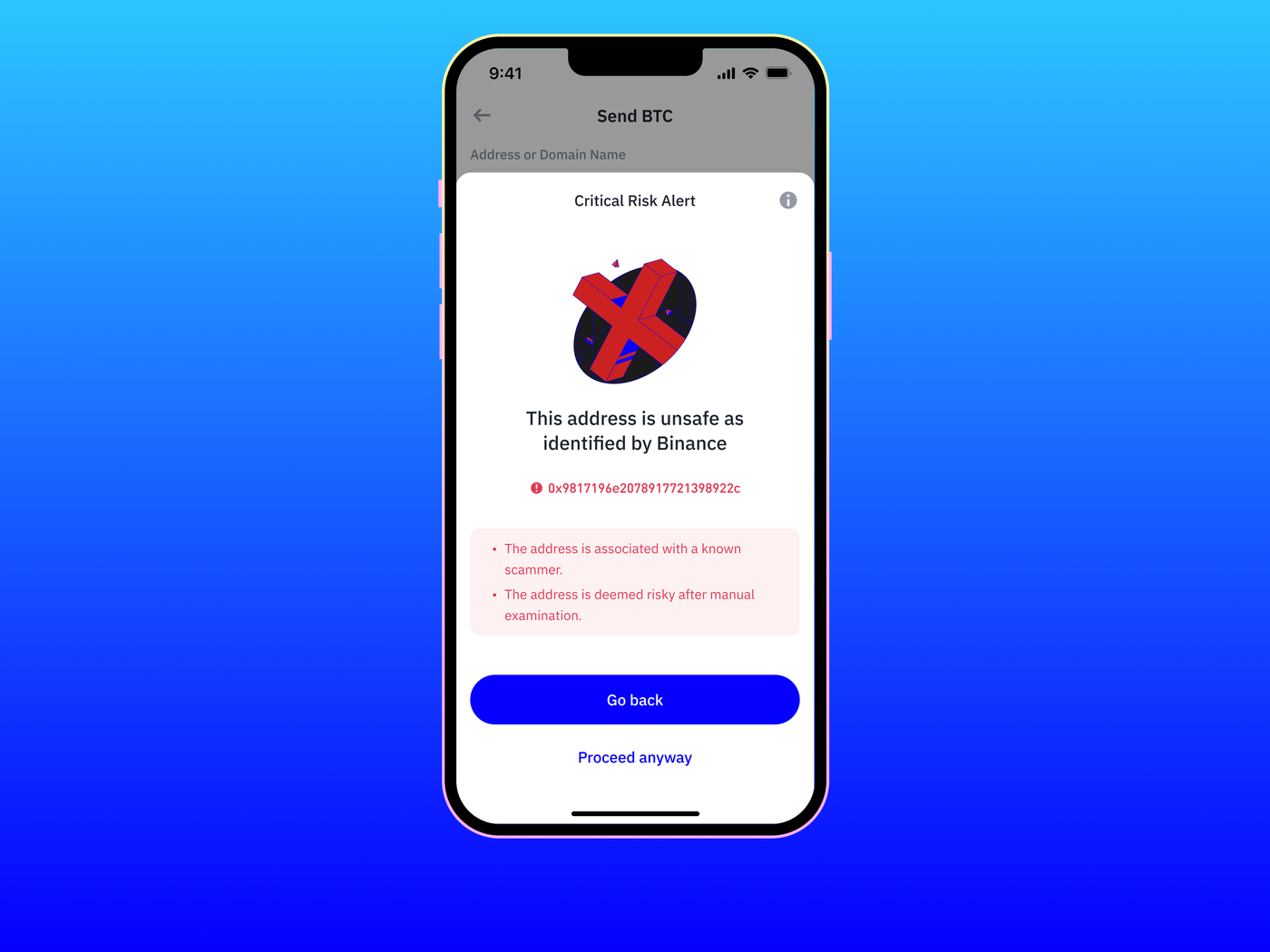
When someone loses money "on Trust Wallet," a scam is usually the cause. These come up again and again:
- Recovery-phrase phishing. Fake sites, apps, and "support" agents ask you to enter or "verify" your 12-word phrase. Trust Wallet will never ask for it. Type it only into the official app.
- Fake support. Impersonators on X, Telegram, and Discord pose as Trust Wallet staff and ask for your phrase or a screen share. Real support lives at help.trustwallet.com (formerly support.trustwallet.com) and won't DM you first.
- "Secure your wallet" and validation scams. Messages claiming your wallet is at risk push you to a lookalike site to "re-validate" it, and the site steals your phrase.
- Scam tokens and watch-only confusion. Tokens you never asked for appear in your wallet as bait, and interacting with them leads to approval or phishing traps. Some users also import an address as watch-only, then panic when they can't send from it. That's a view-only account, not a hack.
- Malicious approvals and drainer sites. A "claim" or "connect" page gets you to sign a transaction that gives a stranger's contract permission to spend your tokens. Read every signature request.
If someone has already stolen your crypto, password recovery can't bring it back, because the funds have left your control. Crypto Asset Recovery handles password and recovery-phrase recovery, not fund tracing. If you've been robbed, save the transaction hashes, wallet addresses and screenshots of every conversation, and report the theft to the FBI's Internet Crime Complaint Center at ic3.gov, or to your local police outside the US. If the funds went to an Ethereum address, our free scam checker can look up that address or the transaction hash in public scam reports and show its recent transfers. It isn't a full trace, and finding no reports doesn't mean an address is safe. Don't trust anyone who guarantees they can get stolen crypto back.
Best practices to stay safe on Trust Wallet
- Write your 12-word recovery phrase on paper or steel and store it offline. Never photograph it, keep it in cloud notes, or type it into a website.
- Use the mobile app for large balances, and add a hardware wallet if the amount matters.
- Install and update the extension and app only from official stores.
- Treat every "connect," "approve," and "sign" prompt as a decision, and read it.
- Ignore tokens and airdrops you didn't ask for.
- Keep a separate wallet for risky dApps, away from your main holdings.
Verdict: Is Trust Wallet safe?
Yes, if you go in with clear eyes. Trust Wallet is a legitimate, widely used, non-custodial wallet with an open-source core and outside audits, and nobody has broken its key system. The December 2025 extension hack is a real mark on its record. It came through a compromised extension release rather than the wallet's cryptography, and the company committed to making victims whole.
The quieter risk is the one every self-custody wallet carries: you're your own bank. A lost recovery phrase or a signature you didn't understand can cost you everything. Set up your backups before you need them.
Already lost access or been scammed?
If you're locked out of a Trust Wallet you still control, we may be able to help. Crypto Asset Recovery recovers forgotten passwords on encrypted Trust Wallet backups using secure, offline techniques. If your funds were stolen, we can't trace or recover them. Report the theft at ic3.gov, and don't trust anyone who guarantees they can get it back.
- Locked out by a forgotten password? See how to recover your lost Trust Wallet password.
- Lost or partial recovery phrase? See our Trust Wallet recovery phrase guide.
- Not sure where to start? Read how to find old passwords.
You only pay if we succeed. Completely risk-free.
Why Choose Crypto Asset Recovery to Recover Your Trust Wallet?
- Secure, offline recovery. The cracking runs on air-gapped, offline machines, so your keys are never exposed online.
- Thousands of wallets recovered across Trust Wallet, MetaMask, Blockchain.com, Bitcoin Core, and more.
- Success-based pricing. You only pay if we get you back in.
- Talk to a real person. Reach out any time, and you can get on a Zoom with our founders, the father-and-son team Chris and Charles.
- Featured in BBC, Forbes, Vice, The Block, and Business Insider.
Frequently asked questions
Is Trust Wallet legit? Yes. Trust Wallet is a genuine non-custodial wallet, founded in 2017 and owned by Binance since 2018. Trust Wallet reports more than 200 million users, its Wallet Core engine is open source, and it has passed outside security audits.
Can Trust Wallet be hacked? Nobody has breached Trust Wallet's core key system or the blockchains it uses. In December 2025, though, a tampered build of its browser extension drained about $8.5 million from 2,520 wallet addresses before Trust Wallet caught it. The attackers compromised the extension's release, not the wallet's cryptography, and mobile users weren't affected. Your own wallet can also be emptied if you reveal your recovery phrase, connect to a fake DeFi site, or approve a malicious transaction.
Is Trust Wallet safe from hackers? For everyday use, yes, especially on mobile or paired with a hardware wallet. No wallet can protect you if you hand your recovery phrase to a scammer, and phishing causes most real-world losses.
Is Trust Wallet safe for storing a lot of crypto? It can be. For large amounts, we recommend the mobile app over the browser extension, a connected hardware wallet, and a recovery phrase backed up offline. Self-custody has no reset button, so your backups protect large balances more than anything else.
Is Trust Wallet insured? No. Trust Wallet is non-custodial, so no custodian holds your funds and no FDIC or private insurance covers them. You hold the keys and carry the risk. Trust Wallet did commit to reimbursing users hit by the December 2025 extension incident, but that was a one-off response, not standing insurance.
What happens if Trust Wallet shuts down? Trust Wallet doesn't hold your funds, so they don't vanish if the app does. With your 12-word recovery phrase, you can import your wallet into another compatible wallet and keep full access. If you've lost the phrase but still have an encrypted vault or backup file, you may still be able to get in with its password, or with offline recovery if you've forgotten it.
I forgot my Trust Wallet password. Can it be recovered? If you still have your 12-word recovery phrase, restore the wallet and set a new password. If you've lost the password but still have a supported encrypted backup file, Crypto Asset Recovery may be able to recover it with offline cracking. Contact us, and we'll tell you whether your case is workable.


